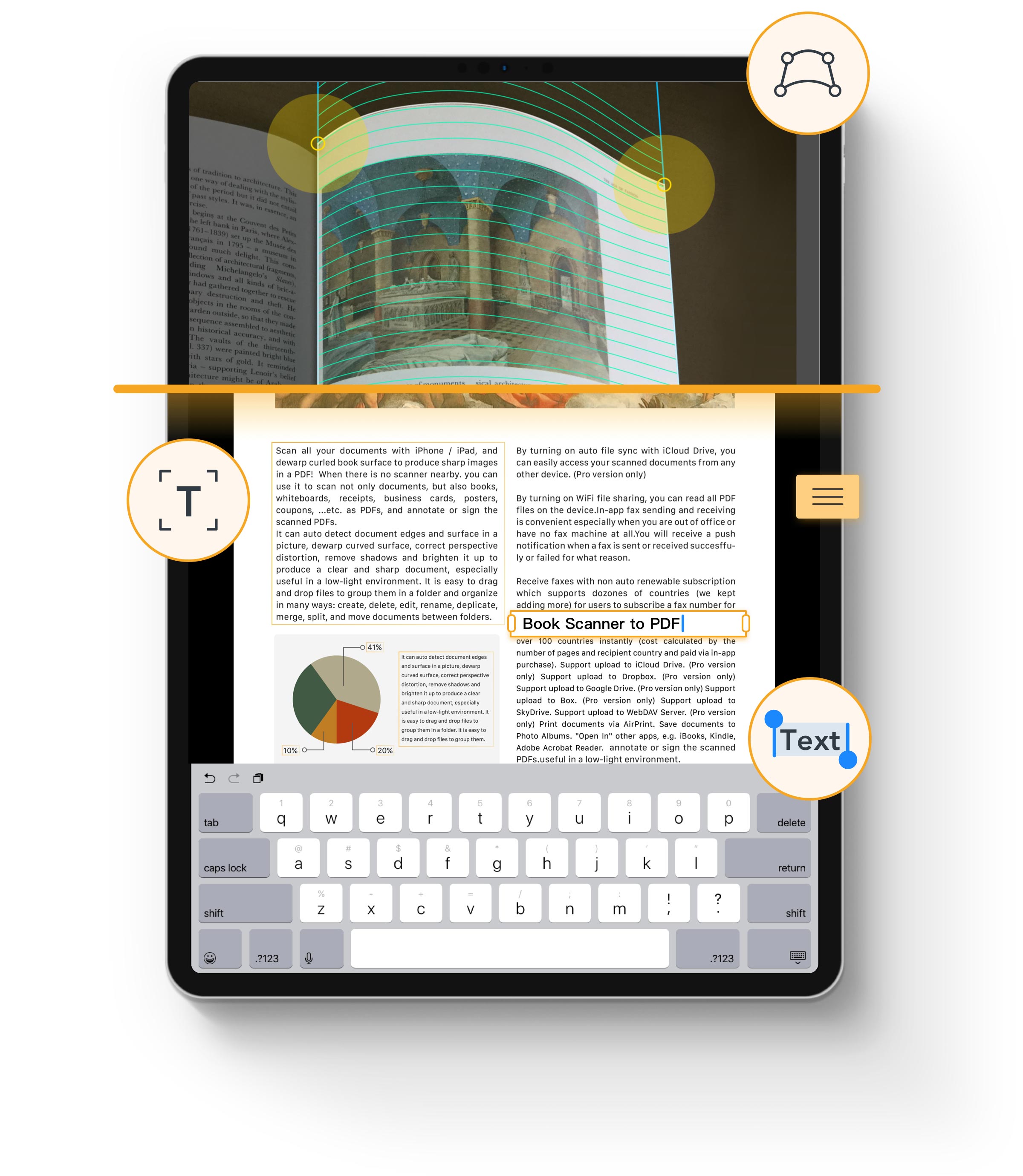
- Text Recognition
- Editable Text
- Text-searchable PDF
- Retain Formatting
Edit
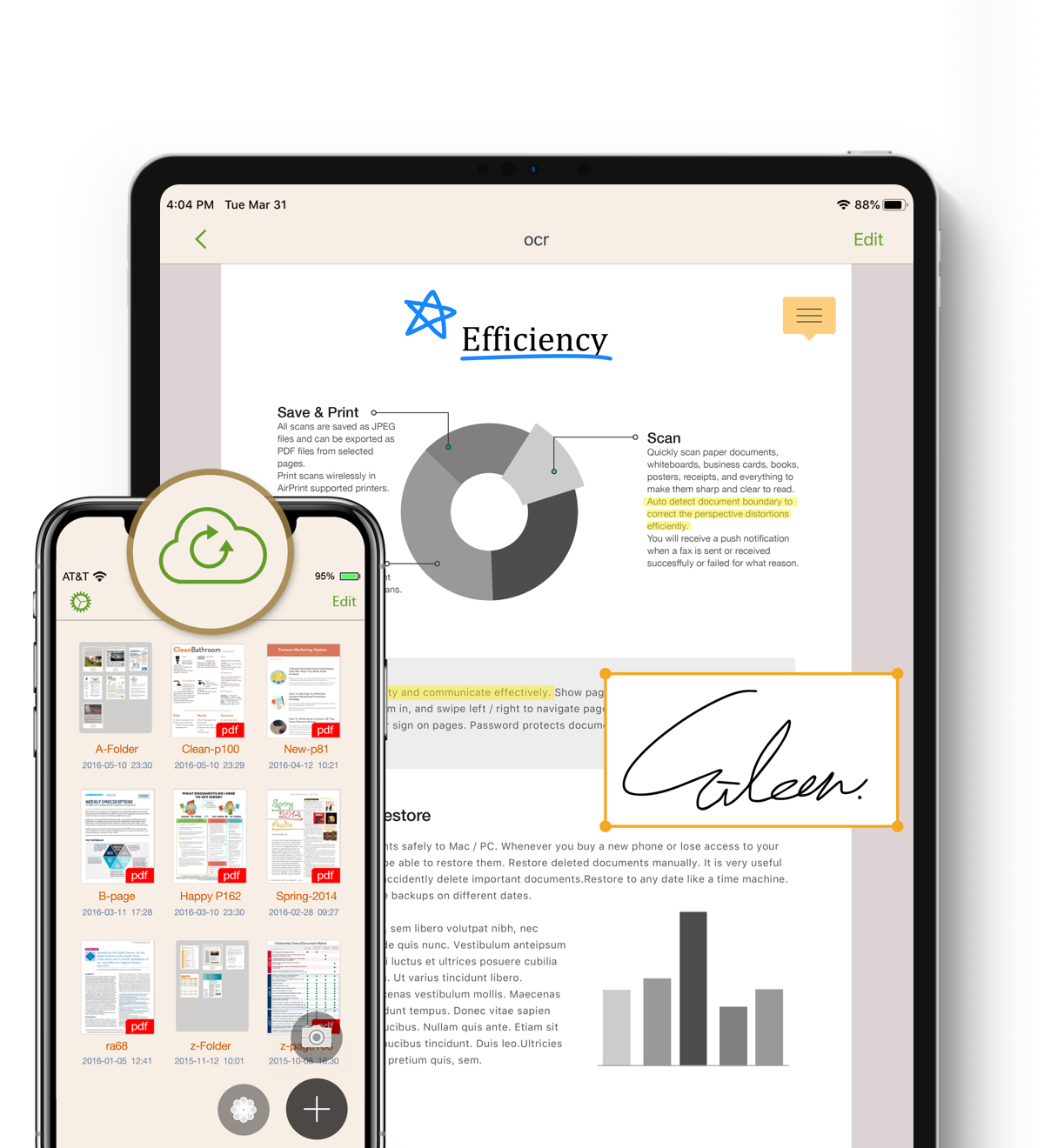
- Edit OCR result
- Annotate, Highlight
- Text, Fill form
- Signature
- Note
Convert scans to editable text
Support 102 Languages
文字辨識
文字识别
テキスト認識
Texterkennung
Text recognition
Распознавание текста
Αναγνώριση κειμένου
텍스트 인식
การรับรู้ข้อความ
لتعرف على النص
OCR built to preserve originals
Automatically detects original fonts and true colors, perfectly recreating your document’s authentic style and feel.
Easily organize documents
It is easy to drag and drop files to group them in a folder and organize in many ways: create, delete, edit, rename, deplicate, merge, split, and move documents between folders. You can search documents by name easily in the app.
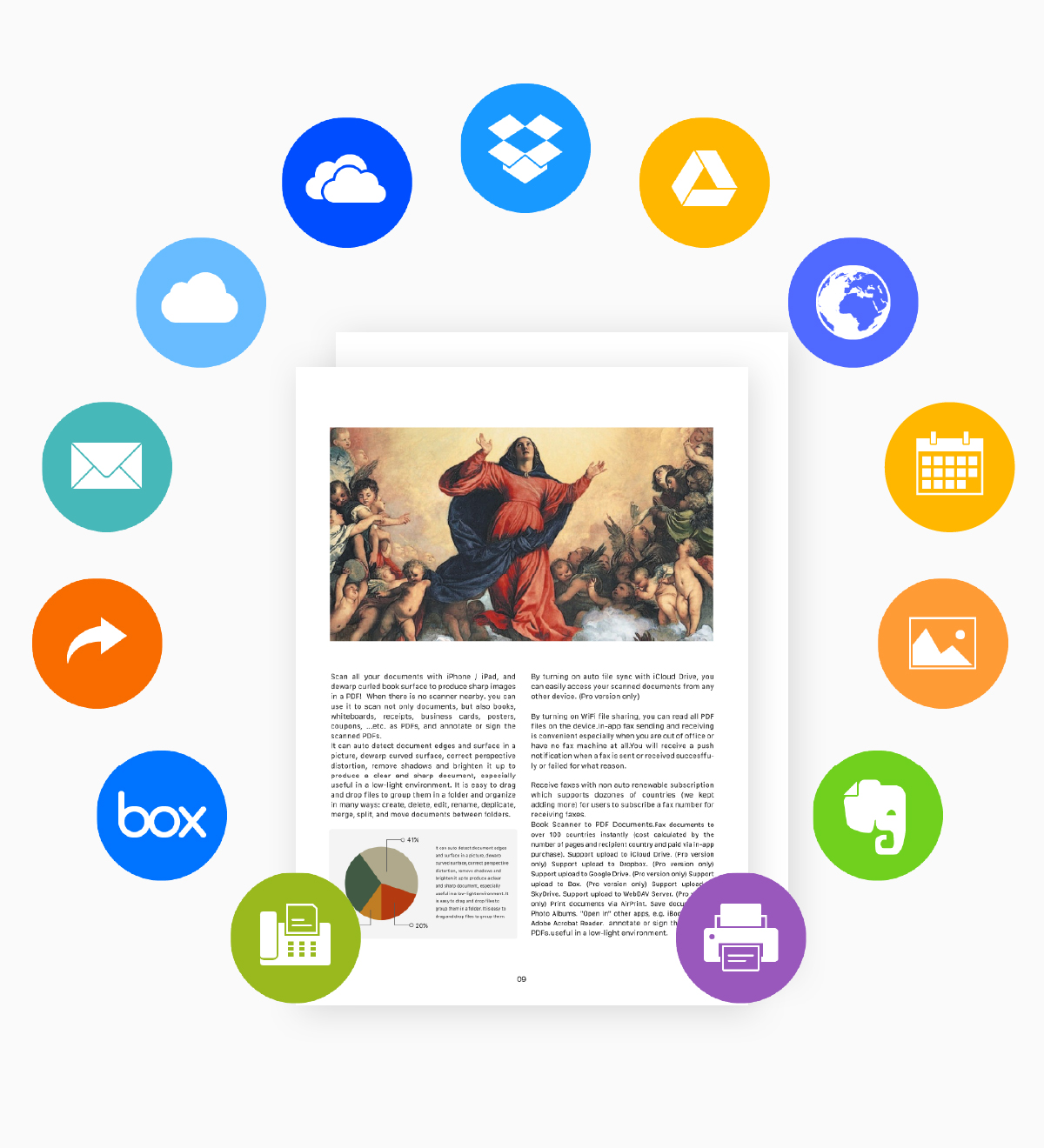
Send scanned documents via email, export to Photos or open in any 3rd party application. You can also directly download or upload documents to cloud storages.
Full-Text Search
Quickly locate any document by searching OCR results, page notes, or your own annotations — even across dozens of files.
Open & Secure Encrypted PDFs
Easily open password-protected PDFs from banks, clients, and institutions — no more errors. You can also add your own passwords to restrict opening or editing, keeping your documents safe.
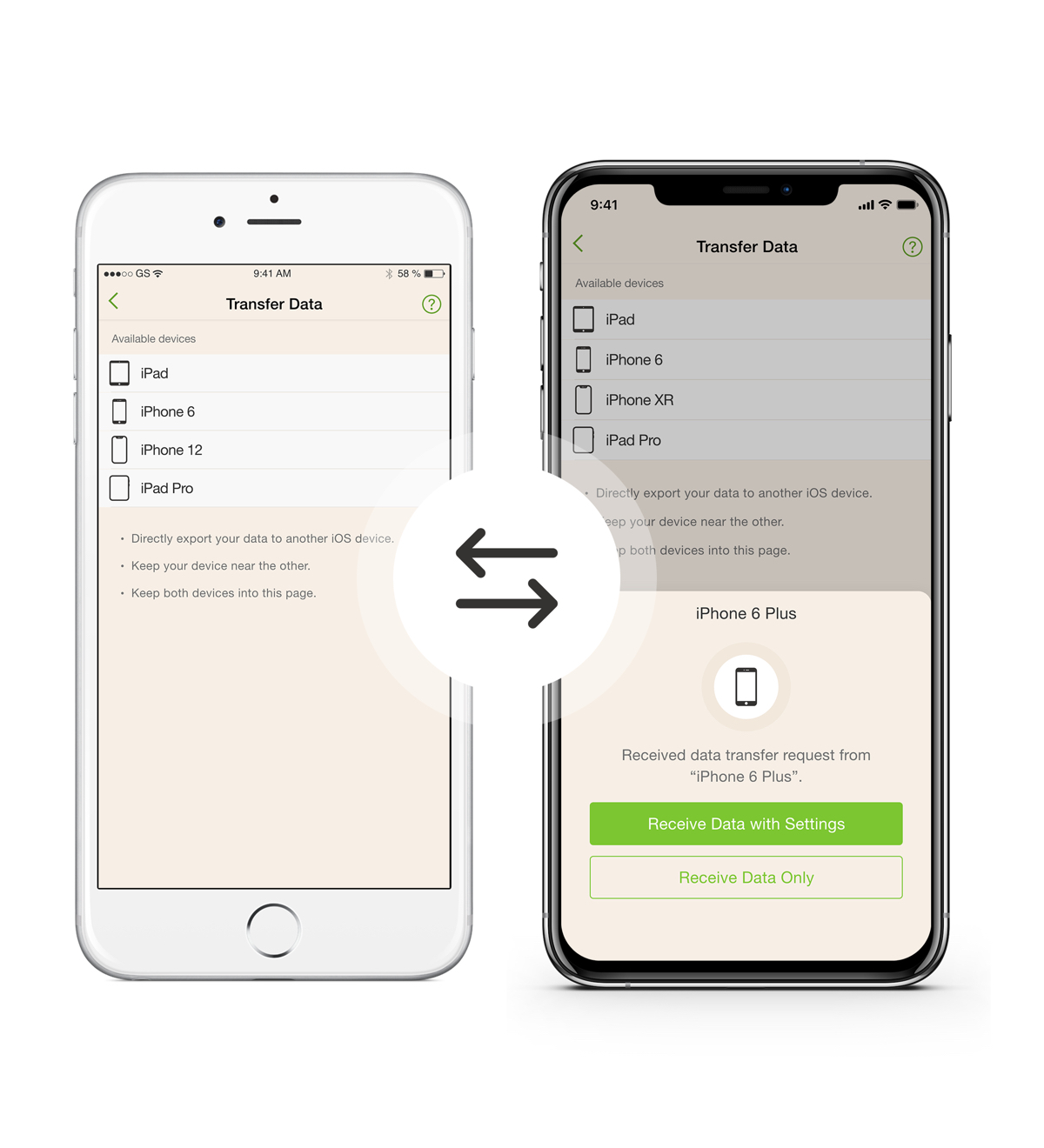
Transfer Data to New iPhone, iPad
It is the easiest way to transfer data from your previous iOS device to your new iPhone, iPad, or iPod touch.
Instantly create photo collages
Just select several pictures, Doc OCR instantly remix them into photo collage. You can pick layout you like best, and move, rotate, scale, crop as you like.
iCloud sync across all devices
Access to all your scanned documents on your iPhone, iPad.